
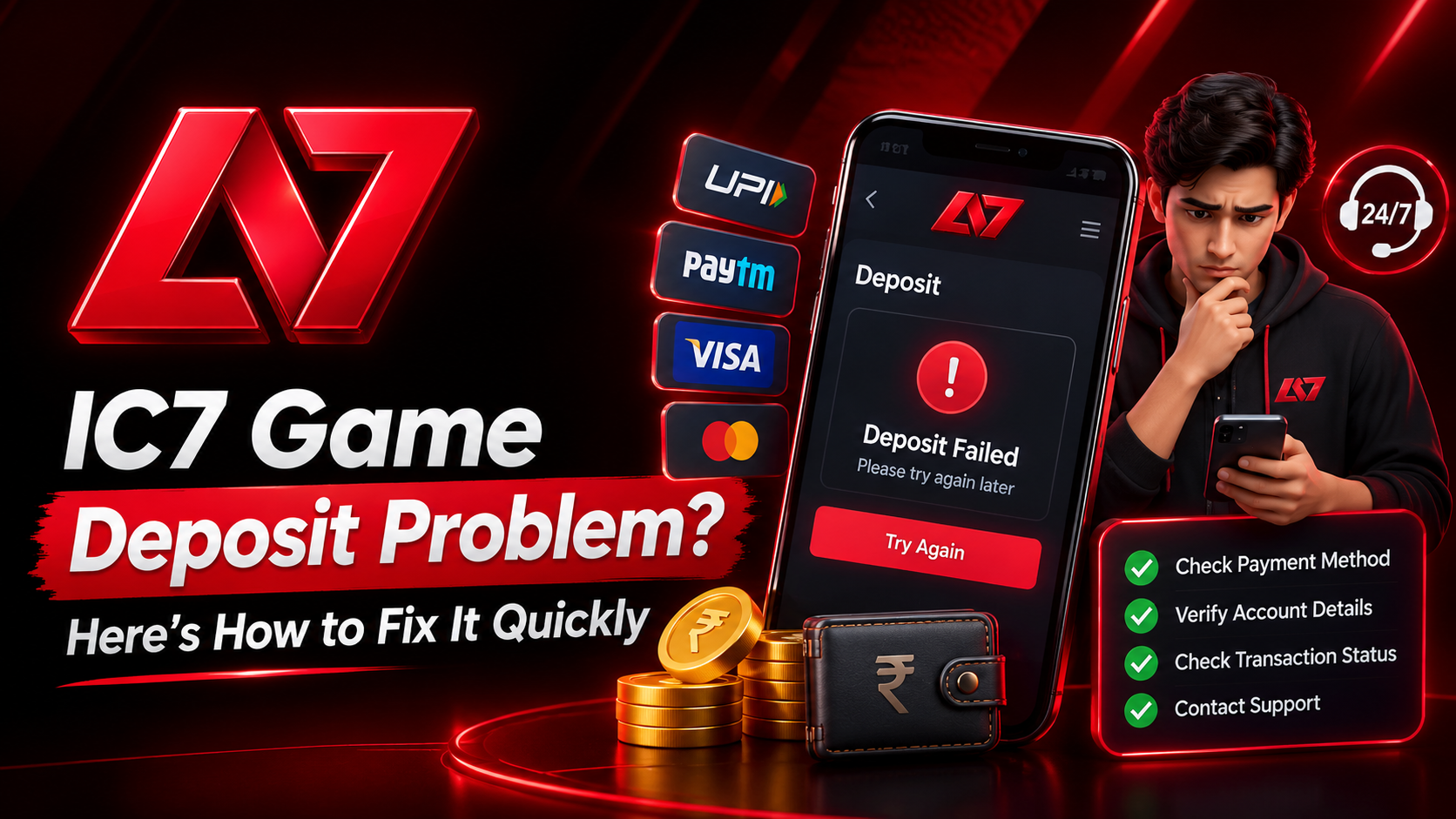
Many players face an IC7 Game deposit problem when they play. You add money, but your game wallet stays empty. This delay brings worry and spoils your game time. You want to start right away, but your money stays stuck.
A sudden IC7 Game deposit problem happens for simple reasons every day. Sometimes your mobile signal drops during the payment process. Other times, your bank server takes extra time to approve money. You should not worry when this payment error happens. Most payment issues fix themselves within a few short minutes.
You can visit ic7gameapkin.com to read useful updates. Check our About Us – IC7 Game section to learn basic app rules. Stay calm and follow simple steps to fix your balance.
Main Causes of IC7 Game Payment Errors
Your internet speed plays a big role in online transfers. A weak network connection can stop money from reaching your wallet. Always switch to strong Wi-Fi or fast mobile data first.
Another big cause of an IC7 Game deposit problem is typing errors. If you type the wrong PIN, the bank stops the transfer. You must double-check every digit before you tap the button.
You should also read the IC7 Game Disclaimer before adding cash. Your private data stays safe under the IC7 Privacy Policy rules.
Simple Fixes for New Users
You can solve an IC7 Game deposit problem with a quick refresh. Close the game app completely and open it up again. This small action updates your main wallet balance right away.
- Close all background apps on your phone.
- Turn your mobile internet off and turn it on again.
- Open the game and check your current coin balance.
If that step fails, clear the app cache in your phone settings. A clean app removes small bugs that block your cash. You can visit ic7app.net to download the newest game version.
Try to test your payment app with small amounts first. Send a tiny deposit to test if bank servers work fine.
Checking Bank and Wallet Status
Banks often close main servers for repair work late at night. Your online payment fails to go through during these hours. You must wait a short while if bank servers go down.
An old app version also causes an IC7 Game deposit problem. Older game files carry bugs that stop new balance updates. Get the latest app file to keep your payments smooth.
- Save your full payment receipt after every single transfer.
- Copy the reference number from your main UPI app.
- Match the bank account name with your game profile name.
Always write down your reference code for safety. This special code helps you prove your payment to the team later.
What to Do If Money Gets Stuck
Always take a phone screenshot when your cash gets stuck. This image serves as real proof for your missing funds. Without clear proof, trace efforts take a lot longer time.
Check your main bank app to see if money left. If your bank debited the cash, do not stress too much. Banks usually return stuck funds within three full working days.
An unverified IC7 Game deposit problem needs fast support action. You can contact IC7 Game Support for help with your open case. Send your exact reference code and screenshot to the team.
Reaching Support for Fast Help
Friendly people work at the help desk to solve issues. Send a short, clear note about your exact payment error. They review your message fast and update your game balance.
- Open the help tab inside your main game app.
- Paste your transaction ID number inside the chat box.
- Attach a clear screenshot image to the message form.
Never share your personal login secret with any online person. Smart players protect private account details at all times.
You can find official help links directly on ic7gameapkin.com. Use genuine website links to avoid fake online support scams. Check out About Us – IC7 Game for extra guide steps.
Staying Safe While Depositing
You can avoid a future IC7 Game deposit problem easily. Never close your game window while the payment spinner turns. Wait for the green success message before you jump away.
Always keep your phone software updated to the latest version. New phone updates help your bank apps process payments faster. Keep your login details written in a safe paper notebook.
Do not try to make ten deposits at the same time. If one payment fails, wait ten minutes before you try again. Repeated payment attempts often trigger temporary bank safety locks on your account.
Read the main IC7 Game Disclaimer to know all transaction limits. The guidelines on IC7 Privacy Policy protect every player from data loss. Visit ic7app.net whenever you need clean app installation files.
If any problem stays open, Contact IC7 Game Support right away. The customer care team works hard to clear every deposit issue fast.
Summary
Playing games should bring fun, not payment worry or stress. An IC7 Game deposit problem usually comes from weak network signals. Stay calm, check your Wi-Fi, and wait a few minutes. You can also go to ic7app.net to keep your app updated. Read the IC7 Privacy Policy and IC7 Game Disclaimer for safe play. Check ic7gameapkin.com and About Us – IC7 Game– for more tips. Reach out to Contact IC7 Game Support if money does not show.
Frequently Asked Questions
1. How long does a deposit take normally?
A normal deposit takes under two minutes to enter your wallet.
2. What if money left my bank account?
Wait twenty minutes and check your game balance once more.
3. Can I use any bank app for payments?
Yes, most major payment apps work well with this game.